

What do I need to transfer files between devices wirelessly?

Quick Summary
Moving files without cables
⚠️ Warnings
Steps
Moving files without cables
Wireless transfers succeed when both devices share a network and use compatible protocols. Apple's AirDrop, Android's Nearby Share, and third-party tools like Snapdrop each suit different combinations of phones, tablets, and computers. Pick the method matching your ecosystem before wrestling with cloud uploads.
What you'll need
Both devices on same Wi-Fi (or Bluetooth for AirDrop), Updated operating systems, Optional: USB drive as fallback. When working on transfer files between devices wirelessly, back up data before changing system settings you cannot easily reverse. Break the process into small checkpoints so you can correct mistakes early rather than starting over. If you are new to this, expect a learning curve — most people improve noticeably on the second attempt.
Confirm both devices are awake and discoverable

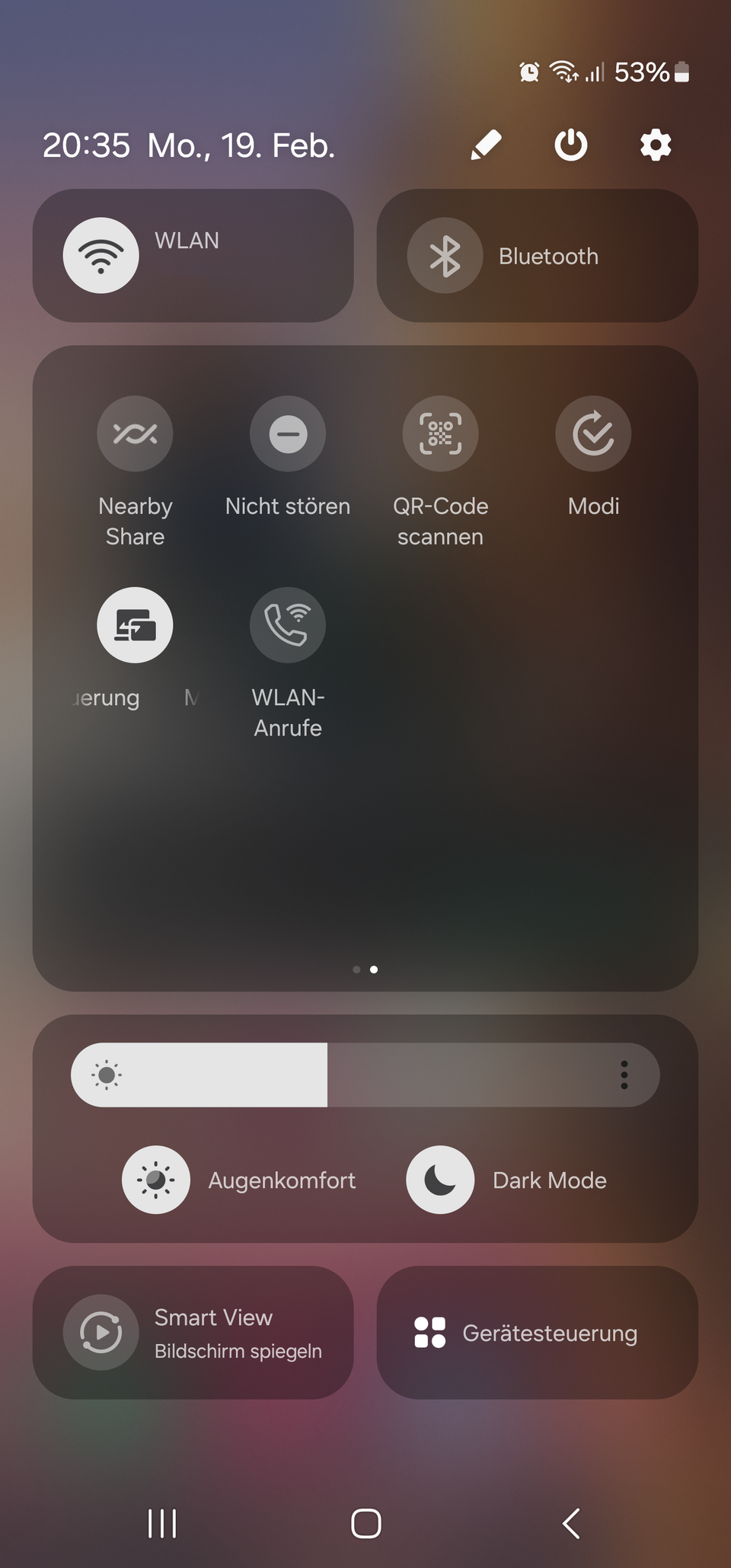
Disable aeroplane mode and ensure Bluetooth and Wi-Fi are on. For AirDrop on iPhone, set visibility to Contacts Only or Everyone for ten minutes. On Android, enable Quick Share or Nearby Share in quick settings.
Select files and choose the share target

On iOS, tap Share then the AirDrop icon of the destination Mac or iPad. On Android, tap Share and pick the nearby device name when it appears. Accept the incoming prompt on the receiving screen. List two or three realistic options and compare cost, durability, and how often you will actually use each. Read recent reviews from verified buyers and check return policies before committing, especially for higher-priced kit.
Use Nearby Share between Android and Windows

Install Google's Nearby Share beta for Windows. Sign into the same Google account on phone and PC for seamless transfers without pairing codes. Work steadily through this part of transfer files between devices wirelessly, pausing to double-check your work against the goal before moving on — most mistakes are caught when you slow down at transitions between stages. Note what worked in a phone memo so you can repeat the process faster next time.
Transfer Mac to Windows via shared folder

Enable SMB file sharing on Mac in System Settings > General > Sharing. From Windows File Explorer, type \\MacName.local in the address bar and authenticate with your Mac credentials. Work steadily through this part of transfer files between devices wirelessly, pausing to double-check your work against the goal before moving on — most mistakes are caught when you slow down at transitions between stages. Note what worked in a phone memo so you can repeat the process faster next time.
Fall back to cloud for huge folders

Zip the folder, upload to Google Drive or OneDrive from the source device, and download on the destination. Compression reduces upload time for thousands of small documents. Work steadily through this part of transfer files between devices wirelessly, pausing to double-check your work against the goal before moving on — most mistakes are caught when you slow down at transitions between stages. Note what worked in a phone memo so you can repeat the process faster next time.
Verify file integrity after transfer
Open photos at full resolution and spot-check document page counts. Corrupted transfers usually mean the process was interrupted — retry on a stable connection. Run a quick functional test at low stakes before committing fully — for transfer files between devices wirelessly, a short trial run reveals alignment, measurement, or configuration issues early when they are cheap to fix. Note what worked in a phone memo so you can repeat the process faster next time.
Sources and further reading
Facts, limits, and safety notes in this guide are cross-checked against the references below. Laws, fees, and product guidance change — always confirm details for your region before acting.
Background concepts and terminology
Wikipedia — Transfer files between devices wirelessly🔧 Troubleshooting
AirDrop device not appearing
Toggle Bluetooth off and on, bring devices within three metres, and ensure Personal Hotspot is disabled on the iPhone.
Transfer stalls at 99 percent
Check available storage on the receiver. iOS needs slightly more free space than the file size to unpack.
AirDrop not working between Apple devices.
Ensure both devices have Bluetooth and Wi-Fi enabled. Check that both devices are within 30 feet of each other. Make sure AirDrop is set to 'Everyone' or 'Contacts Only' depending on your needs. Restart both devices if the issue persists.
Nearby Share fails to connect.
Ensure both devices have Bluetooth and Location Services turned on. Check that both devices are within close proximity. Make sure that the devices are not in 'Airplane Mode' and that they are unlocked. If issues continue, try restarting both devices.
Unable to connect devices for file transfer
Ensure both devices are connected to the same Wi-Fi network and that Bluetooth is enabled on both devices. Restart the devices if the issue persists.
File transfer is slow or interrupted
Check the Wi-Fi signal strength and ensure there are no obstructions. Close any unnecessary applications running in the background that may be using bandwidth.
❓ FAQs
Does AirDrop work between iPhone and Windows?
No natively. Use iCloud for Windows, email, or a cross-platform tool like Snapdrop in a browser.
Is Bluetooth faster than Wi-Fi for files?
Modern Wi-Fi Direct and AirDrop use Wi-Fi radios for speed. Classic Bluetooth is far slower for anything beyond photos.
Know a better way?
Suggest clearer steps, fix mistakes, or add detail you use in practice. Your edit is reviewed before it goes live.
Was this guide helpful?
Guide by How To Library
You might also like
Similar guides based on topic, category, and tags.
How do I create a QR code for free?
Create a free QR code in minutes

How can I secure my home computer against malware?
Hardening your home computer

How do I create a QR code menu for my restaurant?
Digital menus customers can open in seconds

How do I make a QR code for my website?
Website QR codes that actually get scanned

How do I make a QR code for my business?
QR codes that help customers act fast
How do I create a Wi-Fi QR code?
Share Wi-Fi with a scannable code
Comments
Log in to comment.